








Secure the
Microsoft 365 Tools Your Business Runs On.
Configured, monitored, and supported
by Lightspeed Solutions.
We help you secure email, files, collaboration, users, and the daily workflows that keep your business moving with Microsoft 365.

What Happens When Microsoft 365 Risk Is Detected
From detection to recovery—in seconds.

1
➜
Suspicious Sign-in Detected
Unusual sign-in activity or risky behavior is identified.

2
➜
Risk Automatically Flagged
Microsoft 365 risk signals are scored and prioritized for action.

3
➜
Access Reviewed & Secured
We validate the risk and secure accounts or access.

4
➜
Lightspeed Experts Investigate
Our team investigates the alert and confirms the threat.

5
Threat Contained & Business Continues
The issue is contained so your team can keep working safely.
→
→
→
→
COMPLETE VISIBILITY
One Platform.
Safer Collaboration.
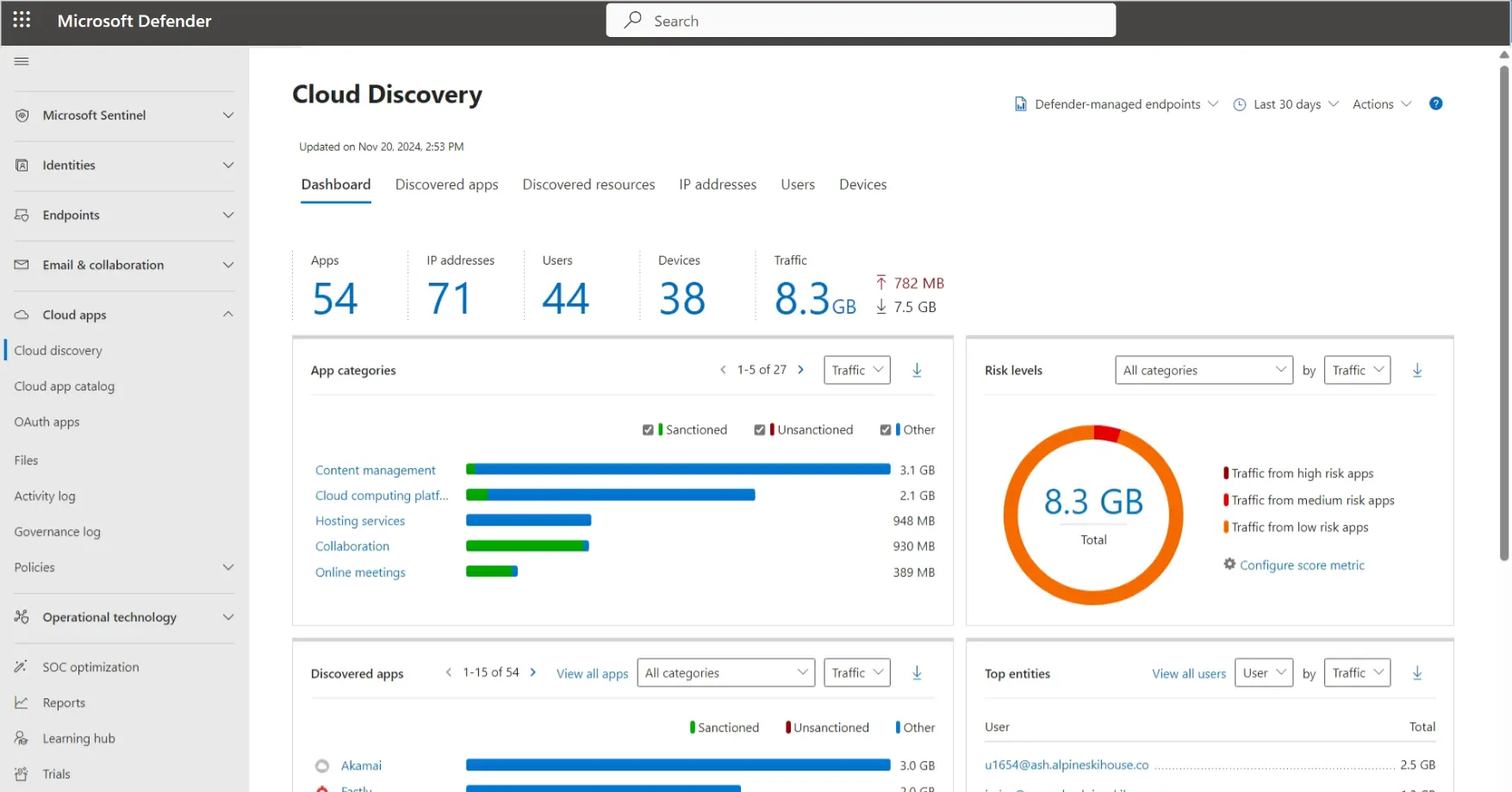
Lightspeed Solutions provides the expertise and visibility
needed to keep your Microsoft 365 environment secure.
needed to keep your Microsoft 365 environment secure.
Advanced email protection against phishing and malware
MFA and access controls to reduce account takeover risk
Visibility across users, devices, and cloud activity
Secure collaboration in Teams, SharePoint, and OneDrive
The Microsoft 365 Security Landscape
Cyber threats are evolving. So are we.

$4.4M
average global cost of data breach
Source: IBM 2024

Email & collaboration
are the top targets for attackers
Source: Microsoft

Built-in protection requires proper configuration
to be effetive
Source: Microsoft

MFA and access controls reduce
account compromise risk by up to 99%
Source: Microsoft
More Than Software
What Lightspeed Manages For You
Microsoft 365 is powerful—when it's securely configured and continously monitored.
We handle it for you.
| Included Service | Managed By Lightspeed |
|---|---|
| User & License Onboarding | ✓ |
| MFA & Access Policy Setup | ✓ |
| Email Protection Configuration | ✓ |
| Security Monitoring | ✓ |
| Alert Review & Investigation | ✓ |
| Ongoing Policy Optimization | ✓ |
| Reporting & Support | ✓ |
Protection Wherever Your Team Works
Microsoft 365 protects your people and data across every tool.
Outlook & Email
Teams Collaboration
SharePoint
OneDrive
Remote Employees
Microsoft 365 Users
“
Lightspeed Solutions keeps us protected from threats so our team can focus on what matters most—our clients.
View Customer Stories →The Result
Stronger email protection
Improved account security
Safer collaboration
Less risk from misconfiguration
Frequently Asked Questions
What is Microsoft 365 Security?+
Microsoft 365 Security refers to the tools, settings, policies, and monitoring used to protect Microsoft 365 users, email, files, devices, and collaboration apps. This can include email protection, MFA, access controls, endpoint protection, data protection, and security monitoring.
Why does Microsoft 365 need additional security configuration?+
Microsoft 365 includes strong security tools, but they still need to be properly configured, monitored, and maintained. Many businesses leave default settings in place, miss important policies, or do not have the time to review alerts, user access, and security risks consistently.
Can Lightspeed Solutions help secure Microsoft 365 email?+
Yes. Lightspeed Solutions can help improve Microsoft 365 email security with configuration guidance, phishing protection, safe link and attachment planning, user policies, monitoring, and support for suspicious email activity.
Does Microsoft 365 security include MFA?+
Microsoft 365 can support multi-factor authentication and access controls that help protect accounts from stolen or reused passwords. Lightspeed Solutions can help review and improve how MFA and user access policies are configured.
Can Microsoft 365 help protect against phishing and ransomware?+
Yes, Microsoft 365 security tools can help reduce phishing, malware, ransomware, and account compromise risk when properly configured and supported. Strong protection should also include employee training, password management, monitoring, and endpoint security.
Can Lightspeed Solutions manage Microsoft 365 for my business?+
Yes. Lightspeed Solutions can help manage and support Microsoft 365 users, security settings, email protection, access controls, and day-to-day support needs so your team can stay productive and better protected.
Ready to Strengthen Your
Microsoft 365 Security?
See how Lightspeed Solutions can secure your Microsoft 365 environment, protect your users, and reduce your risk.